Page top

Fan-made wiki&guide

Followers Game Wiki&Guide

Learn Followers Game with clear task steps, status checks, controls, codes, stores, rate boosts, and troubleshooting for the official Roblox experience.

Find the Guide You Need

Jump straight to setup help, task references, observed mechanics, and current game systems.

What is Followers Game?

Followers Game is a Roblox social experience built around panel-based tasks and passive waiting. The documented Followers flow lets you submit a Roblox username or user ID, start a task, remain in the server, and inspect the displayed result.

The hub also shows rate-boost conditions, an AFK option, interface controls, stores, crates, a SocialStore, task tabs, and a time-played leaderboard. This wiki separates visible features from rates, rewards, and rules that the game does not document clearly.

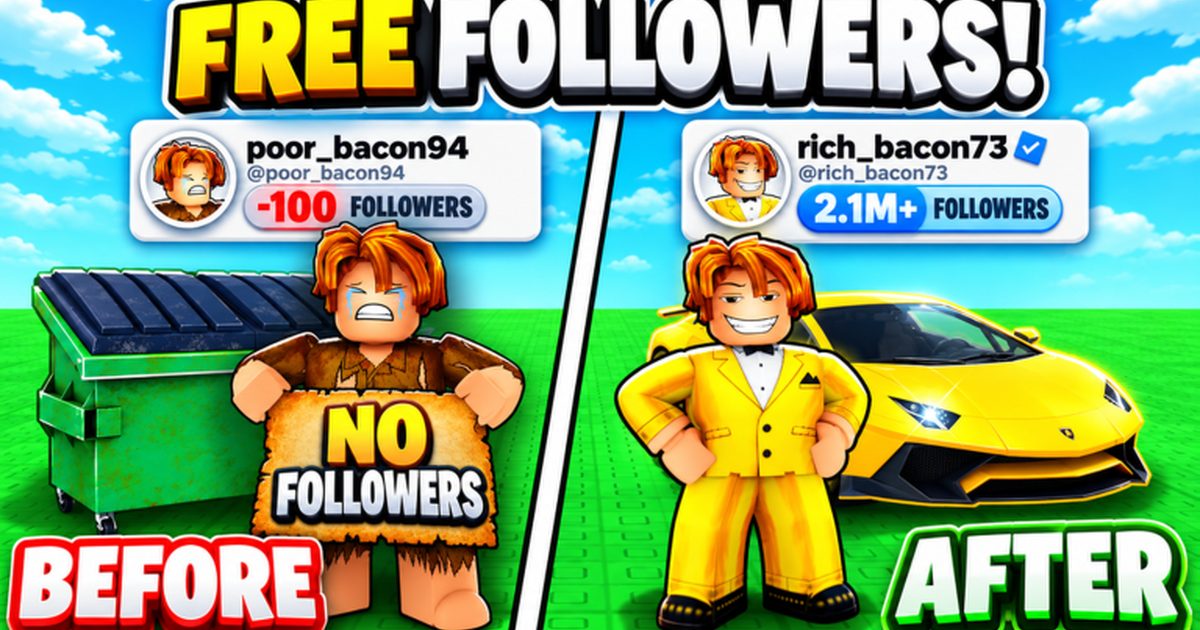
Followers Game gameplay cover
Explore All Guides

Followers Game FAQ

How do I start a Followers task?

Open the Control Panel, select Followers, enter the target username or numeric user ID, press Start Task once, and remain in the server.

How do I check progress?

Use Check Status to open the Data Viewer, query the same target, and compare its displayed count with a baseline recorded before the task.

Does Followers Game have codes?

The interface includes a Redeem tab. Check the codes page for currently verified entries and redemption steps; do not trust an unverified code list.

Do likes, favorites, and group membership improve the rate?

A sign in the hub associates all three actions with more per minute, but it does not document exact values, stacking rules, or detection timing.

Who made Followers Game?

The official Roblox experience is published by -The Moon Lanterns- and uses Place ID 97607545197126.

Start With a Verified Task Setup

Use the beginner guide to confirm the game, enter the right target, and check progress with a consistent baseline.

Top